





Bring your team over in a click.
With the Trainual + Dayforce integration, automatically import your people, roles, and job details into Trainual — no extra data entry needed.
.png)
Check out the video
This is how it all works
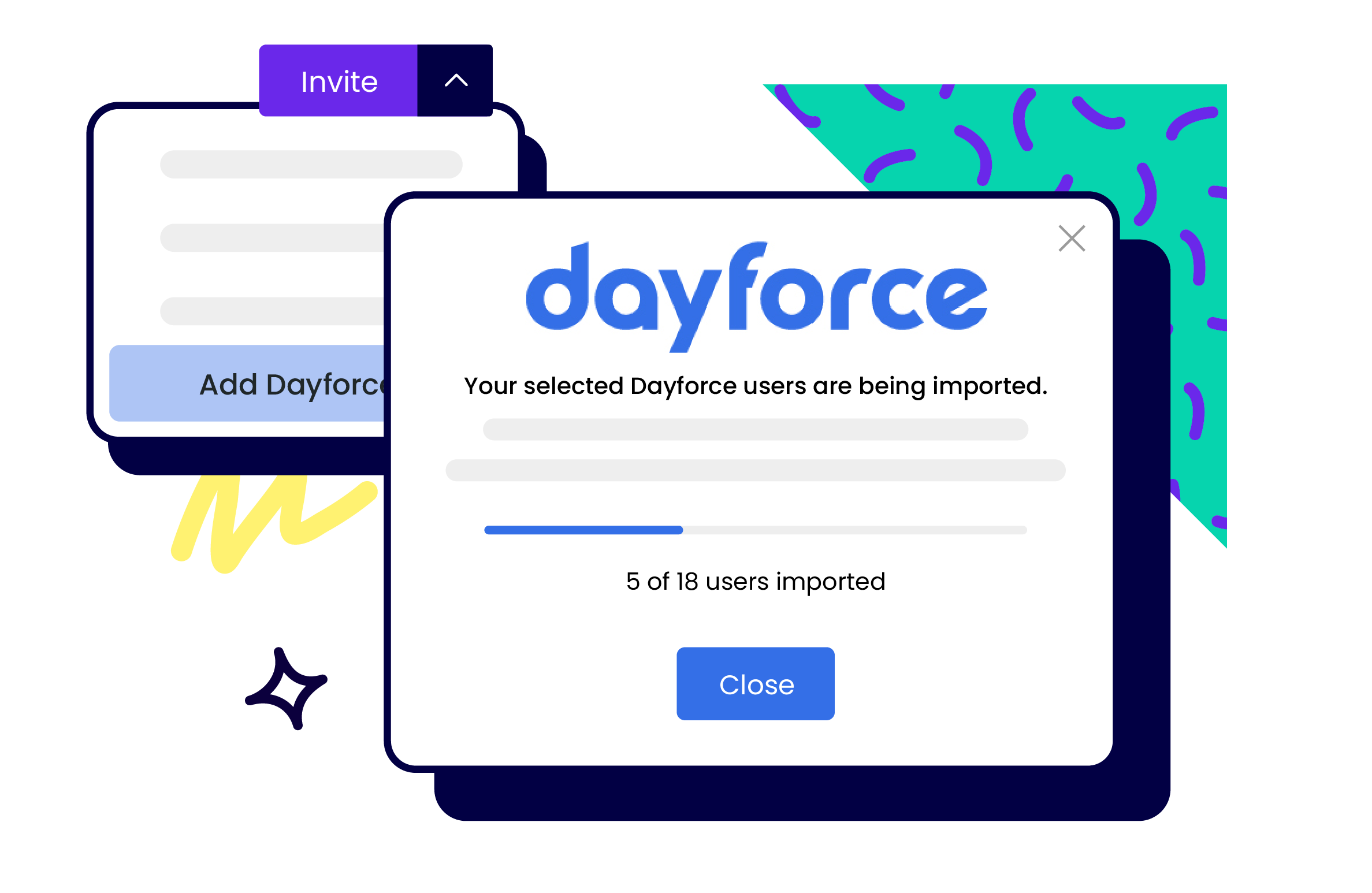
Bring in employees, titles, and role information from Dayforce so Trainual mirrors your organization as it grows and shifts.
Just connect your Dayforce account, set your sync preferences, and let Trainual handle the updates for you.
Dayforce gives you a clear view of every employee, role, and shift — all in one system. And with this integration, that same up-to-date people data flows straight into Trainual automatically. No exporting. No re-typing. Just add your team to Dayforce, assign their training, and let Trainual take it from there. Your new hires will be learning the ropes before their first password reset.
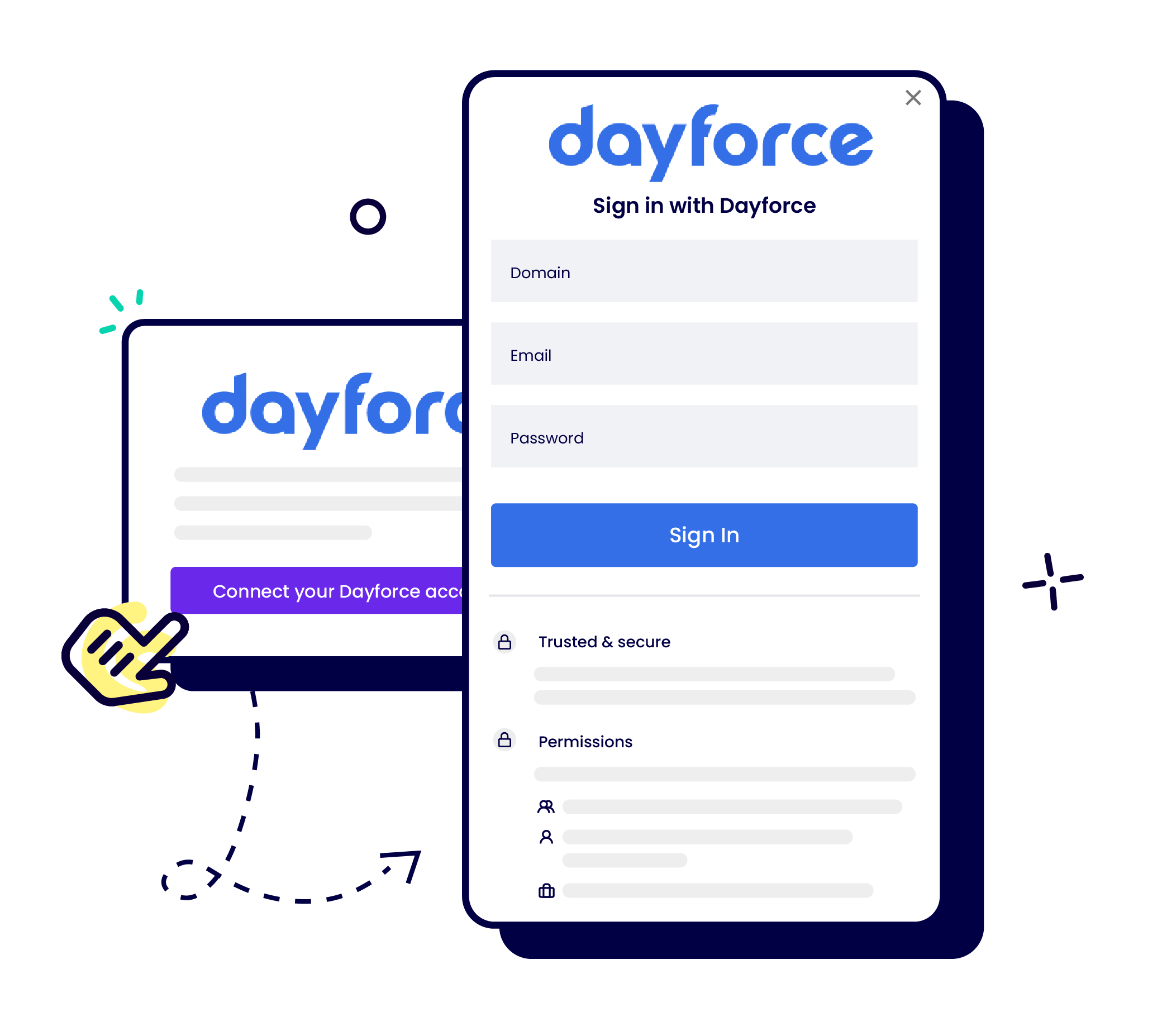
Easy to connect. Easier to stay synced.
To do this:
- Log into your Trainual account
- Click Settings
- Click Integrations
- Find Dayforce and click Read more
- Click Connect your Dayforce account
- A pop-up will appear, prompting you to sign in to your existing Dayforce account. Sign in – and that’s it!
Featured



Smarter than your smartest employee. Faster than your shared drive.
The know-it-all tool every employee uses to understand what to do, how to do it, and who’s doing what. Purpose-built to make your team instantly more productive, consistent, and aligned from day one to day 1,000.

