
One system.
Every answer.

- Unlimited AI-assisted documentation
- Flowcharts
- AI-powered knowledge search (with Q&A)
- 500+ customizable templates
- Unlimited video embedding
- Built-in screen recording
- Video storage (2 GB)
- Commenting & real-time collaboration
- File uploading
- Share content with anyone
- Content verification reminders
- Centralized software & tools hub
- In-app language translation
- Roles & responsibilities builder
- Train by group (role, department, location, etc.)
- Due dates
- Testing, tracking, & reporting
- Interactive employee directory & profiles
- Software & tools hub
- HRIS/payroll & Slack integrations
- Mobile app & Chrome extension
- Version history (30 days)
- On-demand chat & email support
- Gamification
- Courses library
- Unlimited chat & email support
- Trainual University
- Trainual Community
- Implementation support
- Customer success (group coaching)
- Individual training paths
- Training time estimates
- Content quality feedback
- Video uploading & hosting
- Auto-generated, searchable video transcriptions
- Video storage (15 GB)
- E-signatures (300/yr)
- Org chart
- Accountability/role chart
- The Delegation Planner™
- Version history (90 days)
- Customer Success Manager
- SCORM storage (5 GB)
- Required watch options for video
- Completion nudges
- Unlimited video storage
- Unlimited version history
- Unlimited e-signatures
- Custom branding
- Custom domain
- Single sign-on (SSO)
- SCORM storage (15 GB)
- Training path templates
- API access & custom integration support
- MCP server for custom AI agents
- SOC 2 security documentation access
- Extended implementation & migration
- Dedicated Customer Success Manager
- Organizational rollout support
- Implementation support (includes extended assistance, content migration, & rollout support)
- Quarterly account reviews
- Priority support
- SCORM storage (Talk to us)
Operations suite
- Meetings and agendas
- Goals & planning
- Scorecards & KPIs
- Decisions & action tracking
- Team updates
- AI assistant & insights
- Roles & responsibilities







.svg)


👀 Find your best fit
& processes

& brand colors
& brand colors
Manager
Manager

Built for performance. Backed by accountability.


 GrowthEfficiency“Ever since we brought Trainual on board, our organization has been buzzing like never before! We're smack in the middle of this exhilarating shift from the old-school agency model to a lean, mean, ‘less agency, more SaaS’ machine. Trainual is the turbo-charged engine driving us forward.”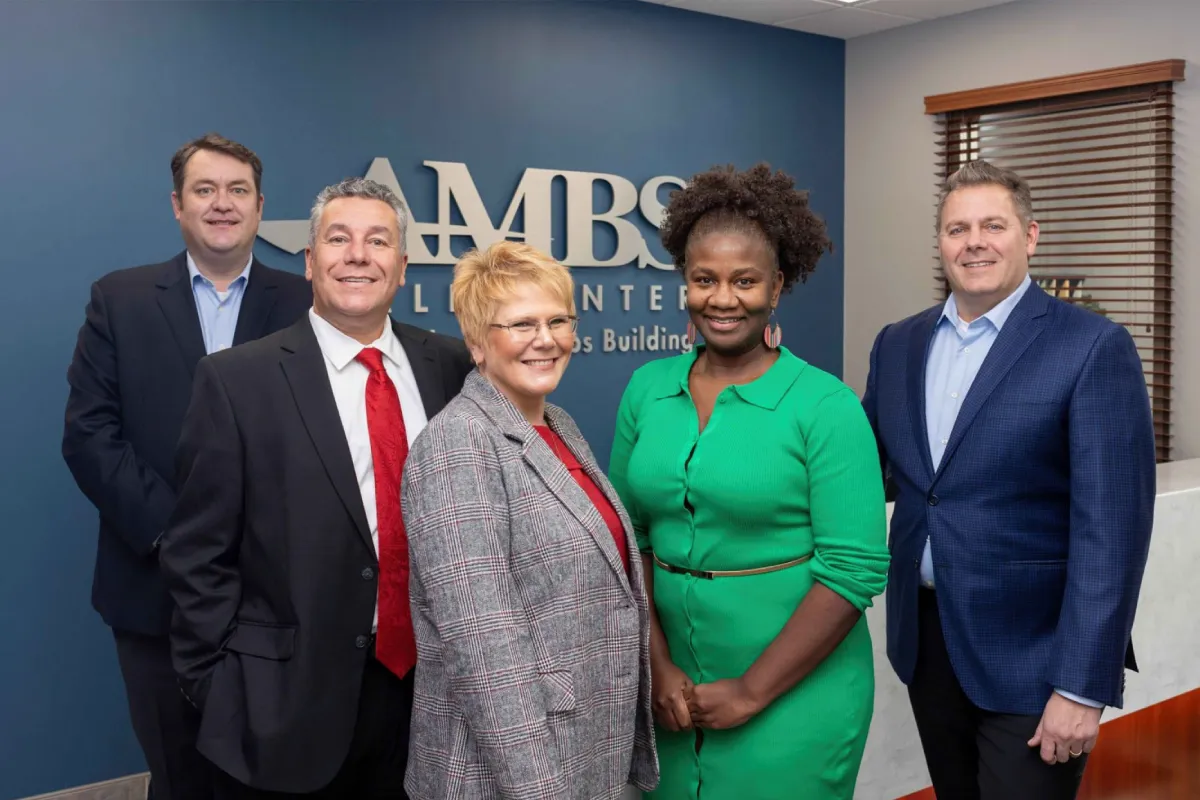
 EfficiencyContinuous improvement”Pre-Trainual, if someone had a question, they’d have to engage a supervisor. And that supervisor might already be busy helping someone else. Trainual reduces internal noise and it gives our team confidence while they’re on the phone. It’s just right there in front of us. It’s been rewarding giving our team tools that make their day better.”

Frequently asked questions
Trainual is best suited for companies with with 25 - 1000 employees. We do, however, have some companies using and loving Trainual with thousands of folks on board, so it really comes down to your use case! Book a call to discuss plans and options for your specific needs and size.
Book a quick demo with our team, and we’ll walk through your needs and decision timeline together. You’ll get a hands-on look at how Trainual works for your team — so you can feel confident before making any commitments.
Every new customer receives dedicated implementation support to ensure a smooth and successful rollout. You'll be paired with an experienced implementation specialist who collaborates with your key stakeholders over your first 4–6 weeks.
This hands-on service includes:
- Migrating and organizing your existing content
- Structuring your Trainual account for optimal usability
- Building a tailored rollout plan based on your goals
- Accelerating adoption with expert-led guidance
Our goal is to get your team confidently up and running — faster, and with less friction.
A one-time implementation fee of $1,000 applies.
Our consultants are ready to get started ASAP! We’ll schedule the 1:1s with your team based on mutual availability. But our goal is to have all your interviews completed and content in your account within 10 business days.
Creating content in Trainual is simple and flexible. Use the built-in editor to write step-by-step guides, embed videos, add images, and create quizzes to boost comprehension.
You can also upload existing documents and even record your screen right inside the platform. To move even faster, use our built-in AI-powered tools to help you generate content (and even tests!) and organize your processes with just a few prompts.
Whether you're starting from scratch or refining what you already have, Trainual makes it easy to build training that sticks.
Absolutely! Trainual includes access to 500+ free templates to help you document your processes, policies, roles, and responsibilities faster.
Want to go even deeper? Unlock nearly 400 ready-to-use, expert-built courses with the premium courses add-on — perfect for onboarding, compliance, leadership training, and more.
Yes — AI is built into nearly every corner of Trainual to help you move faster and train smarter.
Need to write a process or policy? Just describe what you need, and AI will generate a clear, step-by-step draft you can instantly edit and publish. Want to reinforce learning? Use AI to automatically create quizzes based on your content. You can even map out your org chart and role responsibilities using AI-powered suggestions based on your team structure.
It’s like having a training assistant working alongside you — helping you build better documentation with less effort.
Yes! Trainual connects with tons of popular tools to streamline onboarding and training — without forcing you to reinvent your workflow.
You can sync your HRIS and payroll platforms like Gusto, BambooHR, and Zenefits to automatically add new hires and keep your employee directory up to date.
With single sign-on (SSO) support, your team can log in securely using tools you already trust — like Google, Okta, or Microsoft Entra.
And with Zapier or webhooks, you can automate tasks between Trainual and thousands of other apps in your stack.
Yes, we would. And hope you would too!
Trainual makes it easy to track progress and hold your team accountable. Every training assignment includes completion tracking, so you’ll always know who’s done what — and who hasn’t.
You can set due dates, assign quizzes, and even require e-signatures for critical policies. Plus, your training dashboard gives you real-time visibility across your team, and you can export reports as CSVs or PDFs for audits, compliance, or leadership updates.
It’s everything you need to ensure training gets done — and proof that it did.
Yes! Trainual is built with enterprise-grade security to ensure your company’s data is safe, private, and fully protected.
All data is encrypted in transit and at rest, and stored on PCI Level 1 compliant servers with daily automated backups. Our infrastructure is hosted on Google Cloud Storage (GCS), known for its top-tier security protocols.
You can further secure access with single sign-on (SSO) through providers like Okta and Microsoft Entra, helping you manage identity and authentication more efficiently.
Trainual is also SOC 2 Type 2 certified. When you move forward with an Enterprise plan, you can request access to all SOC 2 documentation. We follow best practices for data privacy and protection, and continue to enhance our security posture.
Learn more about our security practices in this help center article.
Yes! Our mobile app is perfect for teams on the go. Whether you're in the field, on-site, or working remotely, the Trainual app lets you access training, policies, and company knowledge anytime, anywhere.
You can read content, watch videos, take quizzes, and even get notified about new assignments — all from your phone or tablet. Available for both iOS and Android, it’s everything you need to stay in the know, right in your pocket.
Yes — and so much more. Trainual lets you upload and/or embed documents, images, and videos directly into your training content to bring your processes and policies to life.
Want to record your screen? You can do that right inside Trainual with our built-in screen recorder — no extra tools required. You can also embed content from platforms like YouTube, Vimeo, or Wistia. Plus, you can even visually map out processes with flowcharts and diagrams to make complex steps easier to understand.
It’s all about giving you the flexibility to train your team your way — with rich, multimedia content that sticks.
Most training tools stop at courses and checklists. Trainual combines training, knowledge management, and operations in one connected platform — with role-based training, SOPs, instant answers, meetings, action items, goals, scorecards, and updates all in one place. So instead of juggling a bunch of disconnected tools, your team stays aligned, accountable, and moving fast with the information they actually need.
Pricing and plans vary depending on the size of your team and the features you need — book a demo and we'll help you find the best fit.
If you choose to cancel, your subscription will remain active until the end of your current billing cycle. Your team will continue to have full access to the account during that time. Once the billing cycle ends, the account will be closed and no further charges will apply. If you’d prefer to pause rather than cancel, you can place your account on hold for up to three months.
Still got questions? Let’s talk

A 0.1% payroll investment that helps teams do more without adding people.

Calculate the ROI of using Trainual
Just input employee salaries to calculate how much time and money you’ll save (by paying employees to work instead of train) when you decrease employee onboarding time from 30 days to 15 days.
And remember: That’s not even counting the cost you’re saving with fewer employee mistakes (in some cases, this could be literally millions). Plus, a strong onboarding process (AKA, Trainual) has been found to...
—improve new hire retention by 82%
—improve new hire productivity by over 70%
—improve the business profit margin by 24%
The calculator estimates how much time and money your managers spend training employees and fixing avoidable mistakes. It combines national hiring and training benchmarks with your inputs — like how many people you’re hiring or promoting, how many managers help with training, and their average pay.
From there, it calculates the hours typically spent onboarding, ramping, retraining, and correcting errors, and shows how much time, money, and team capacity you can reclaim by using Trainual’s AI-powered training and documentation to reduce manual work and speed up learning.

Smarter than your smartest employee. Faster than your shared drive.
The know-it-all tool every employee uses to understand what to do, how to do it, and who’s doing what. Purpose-built to make your team instantly more productive, consistent, and aligned from day one to day 1,000.

.svg)